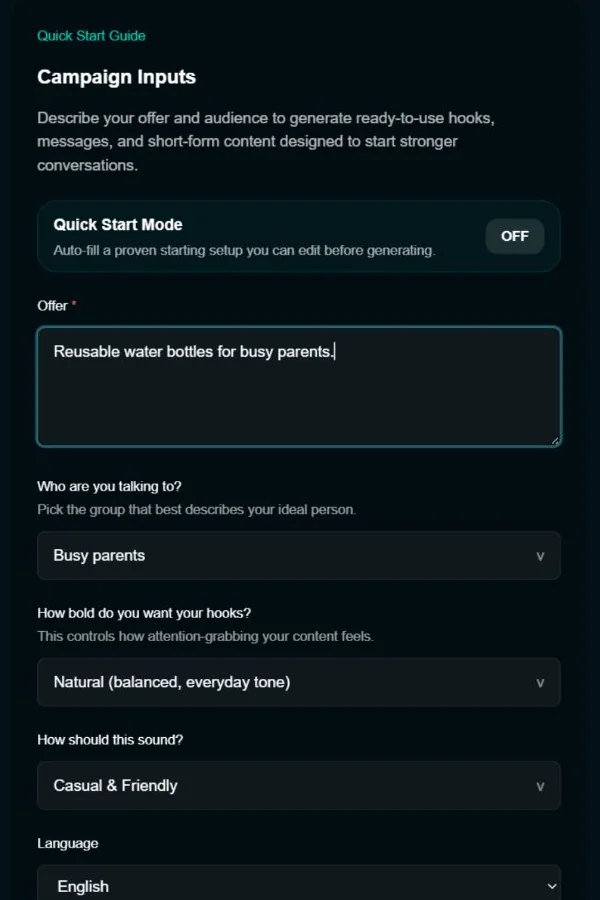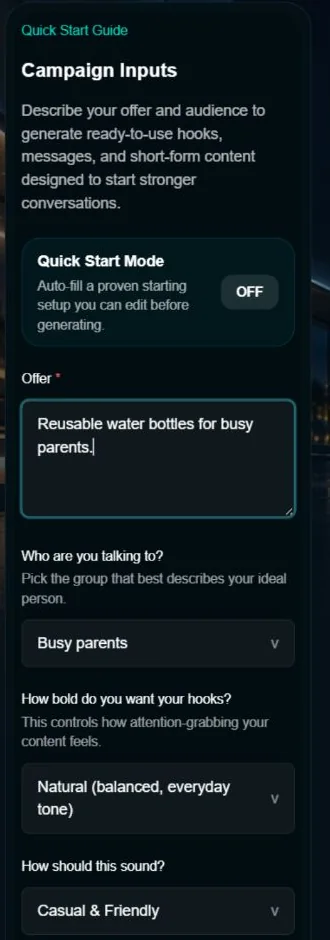

1. Enter Your Offer and Audience
Describe what you sell, who you're speaking to, and how bold or natural you want your messaging to feel.
- Define your offer clearly
- Choose your audience
- Set tone and hook style

Learn the fastest way to turn your full access into real content, outreach, and daily action.
Already inside the full tool? Start here.
Describe what you sell, who you're speaking to, and how bold or natural you want your messaging to feel.

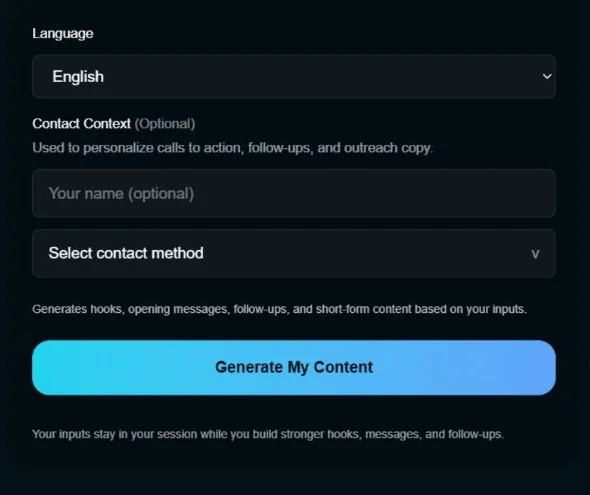
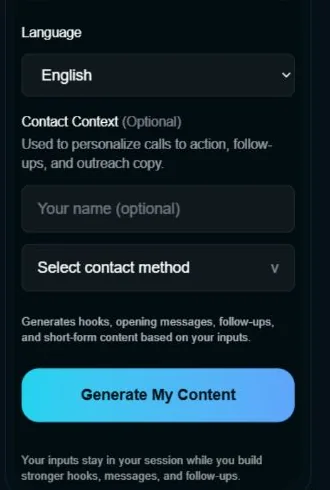
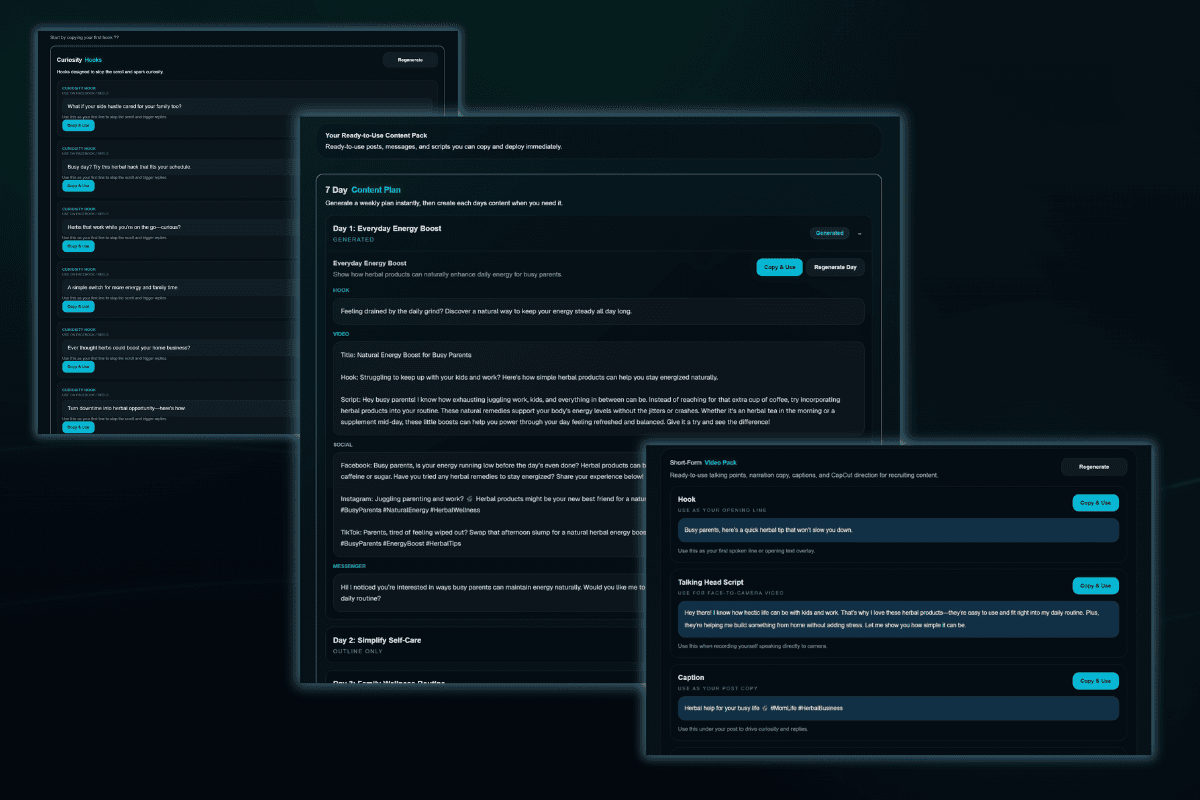
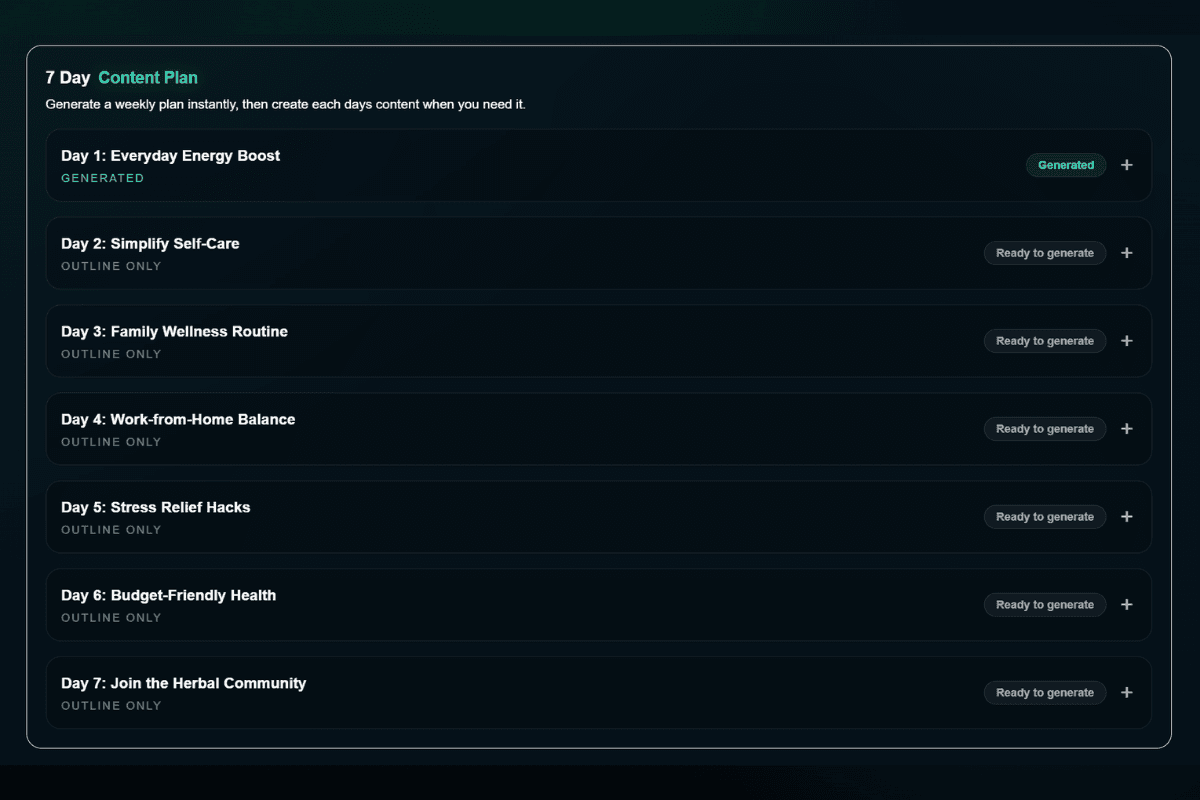
Select Generate My Content to create an initial content pack and a seven-day outline. Generate each day's detailed content separately when you need it.

You do not need to use everything at once. Start with the output that best fits what you need right now.

Output illustration — updated Tool screenshot pending.
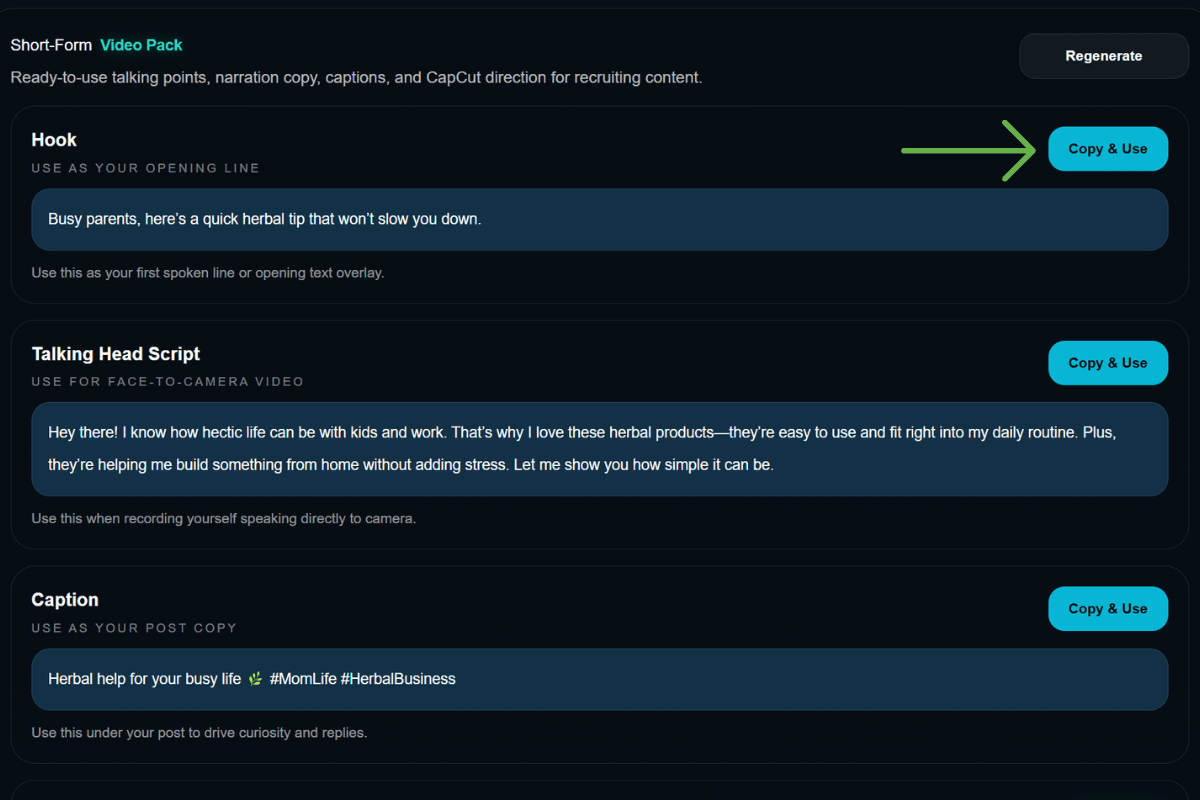
Use Copy & Use to take the strongest outputs into your actual workflow, then regenerate when you want fresh angles.

Output illustration — updated Tool screenshot pending.
Use the full tool consistently for content and messaging. Generate the daily details you need from your seven-day outline.

Output illustration — updated Tool screenshot pending.
Use Hook to Close as your daily content and outreach engine not just a one-time generator.