
No Payment Required to Try

Hook to CloseHow It Works in 4 Simple Steps

Turn conversations into conversions without sounding pushy

Step 01

1. Start in Preview Mode

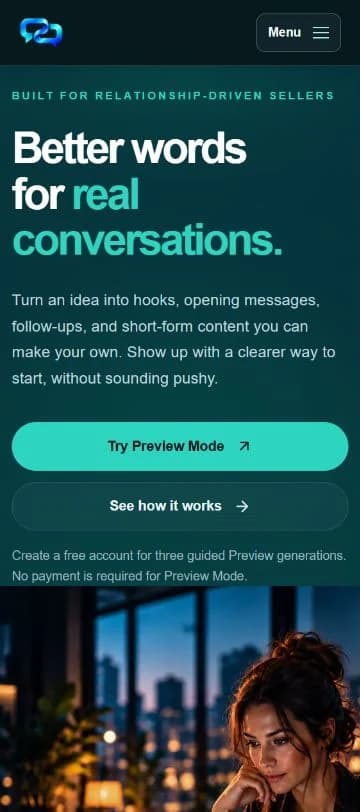
Select Try Preview Mode from the homepage. Preview uses a fixed example offer and includes three limited free generations.

  • Create a free account to continue
  • No payment required
  • Preview is not a subscription trial
Explore the guided example before choosing paid Core or Pro access.
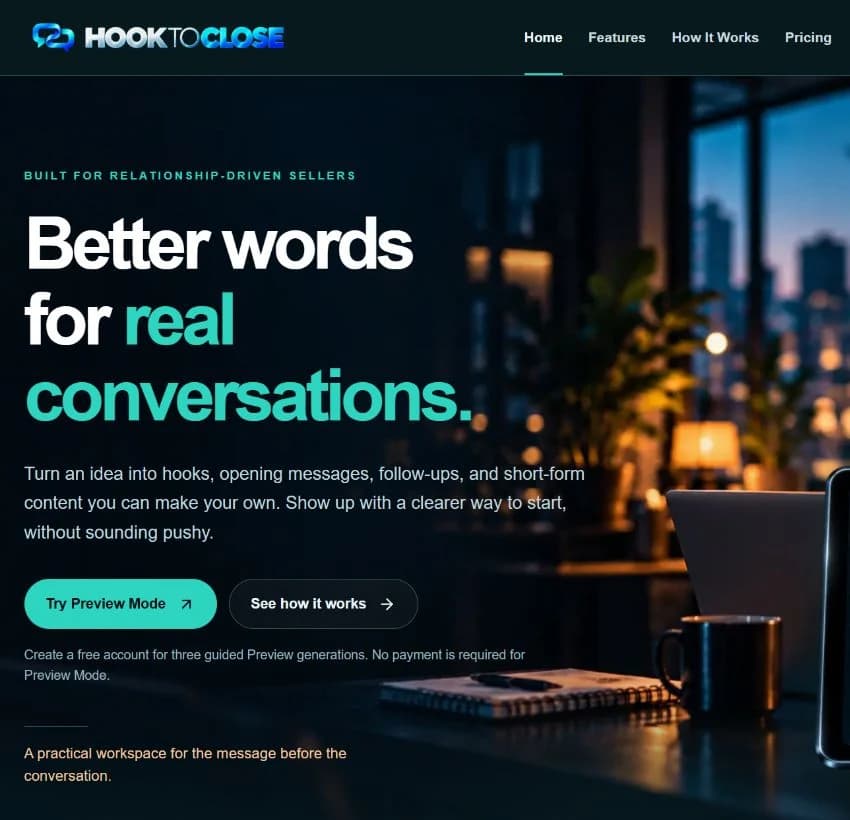
Hook to Close homepage showing Try Preview Mode
Next Step↓
Step 02

2. Create a Free Account

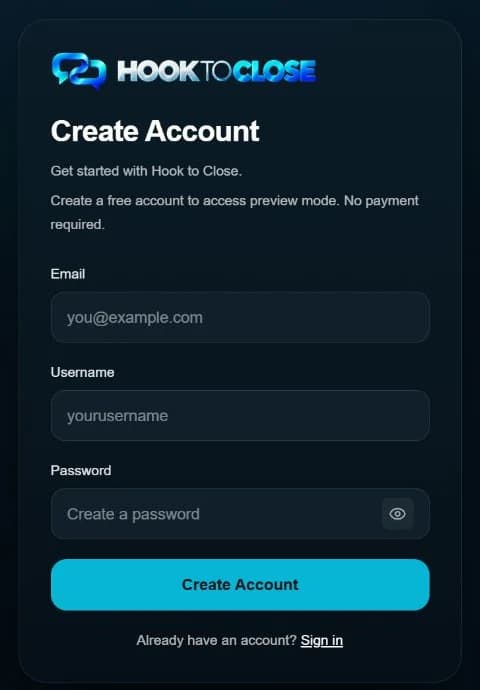
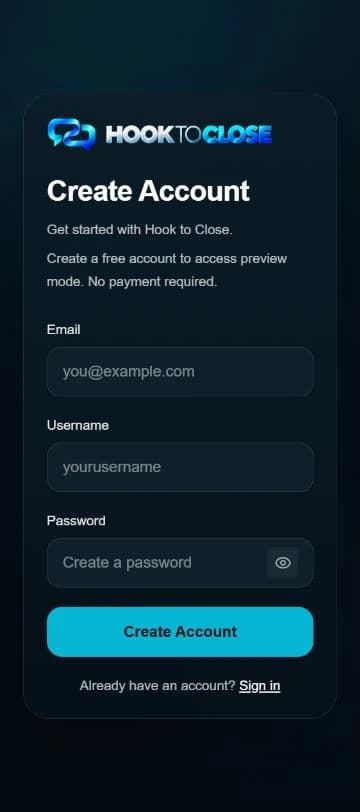
Create your account on the Signup page, then sign in on the Login page to continue to Preview Mode.

  • No credit card required for Preview
  • Sign in after creating your account
  • Three limited free generations
Account creation does not start a paid subscription.
Current Hook to Close Signup form with Email, Username, and Password fields
Next Step↓
Step 03

3. Generate Your Content

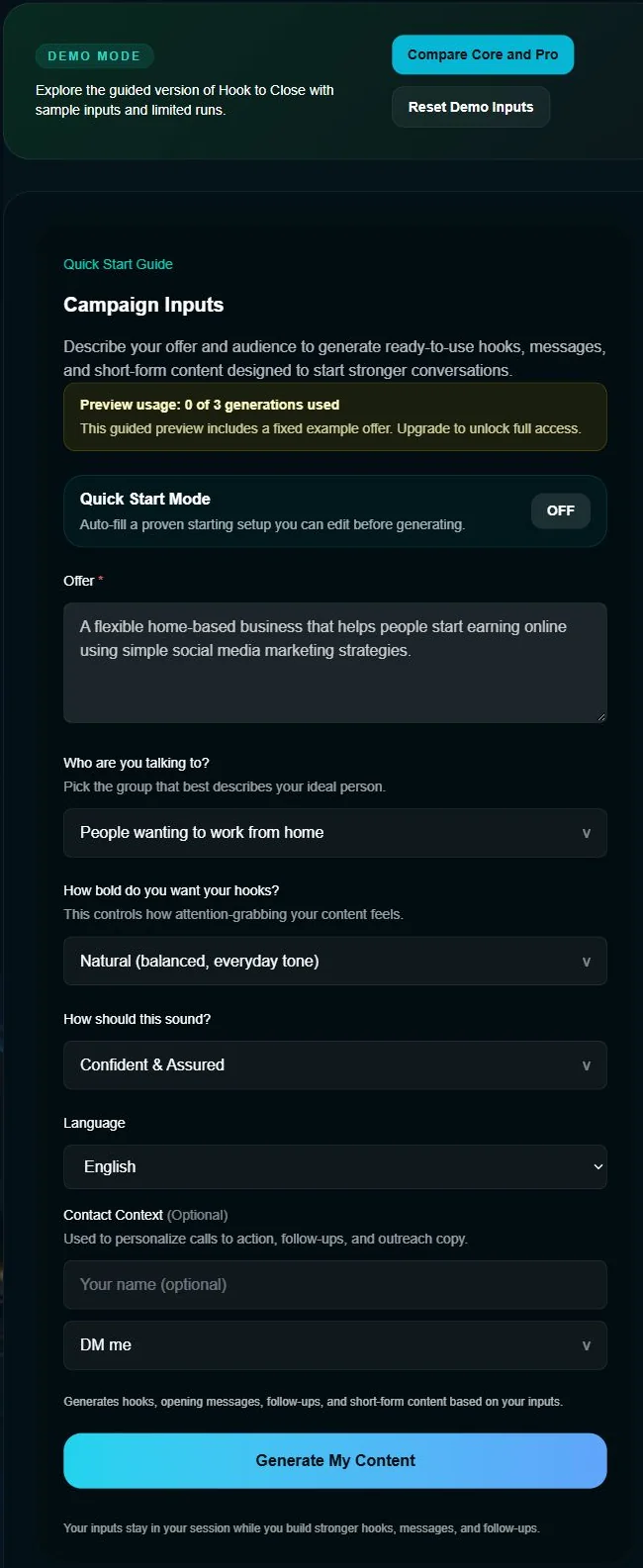
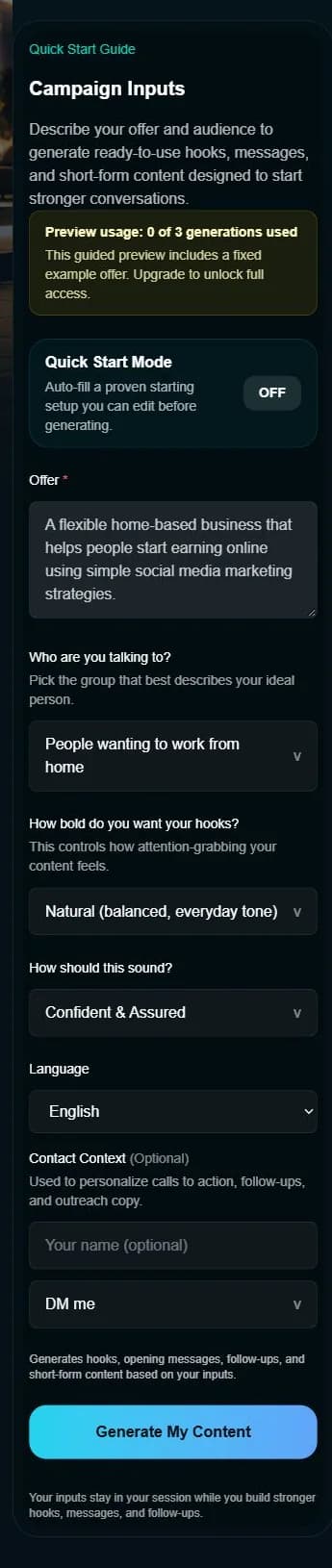
Use the fixed example offer, choose your audience and settings, then select Generate My Content.

  • Hooks (scroll-stopping)
  • Messages (DMs, follow-ups, closers)
  • Scripts (video + talking points)
  • A seven-day outline; individual daily content is generated separately
Preview is limited to three free generations.
Current Preview Mode campaign inputs showing the fixed example offer, audience settings, and Generate My Content action
Next Step↓
Step 04

4. Review, Copy & Use

Review the initial content pack and seven-day outline, then adapt and copy what fits your workflow.

  • Copy hooks fast
  • Use message openers and follow-ups
  • Deploy video hooks and scripts
  • Put your content plan into action
Core and Pro provide paid access to the full product features.
Hook to Close generated preview output

Interface illustration — updated screenshot pending.

Built to help sellers, recruiters, network marketers, affiliate partners, and personal brands move faster with better messaging.